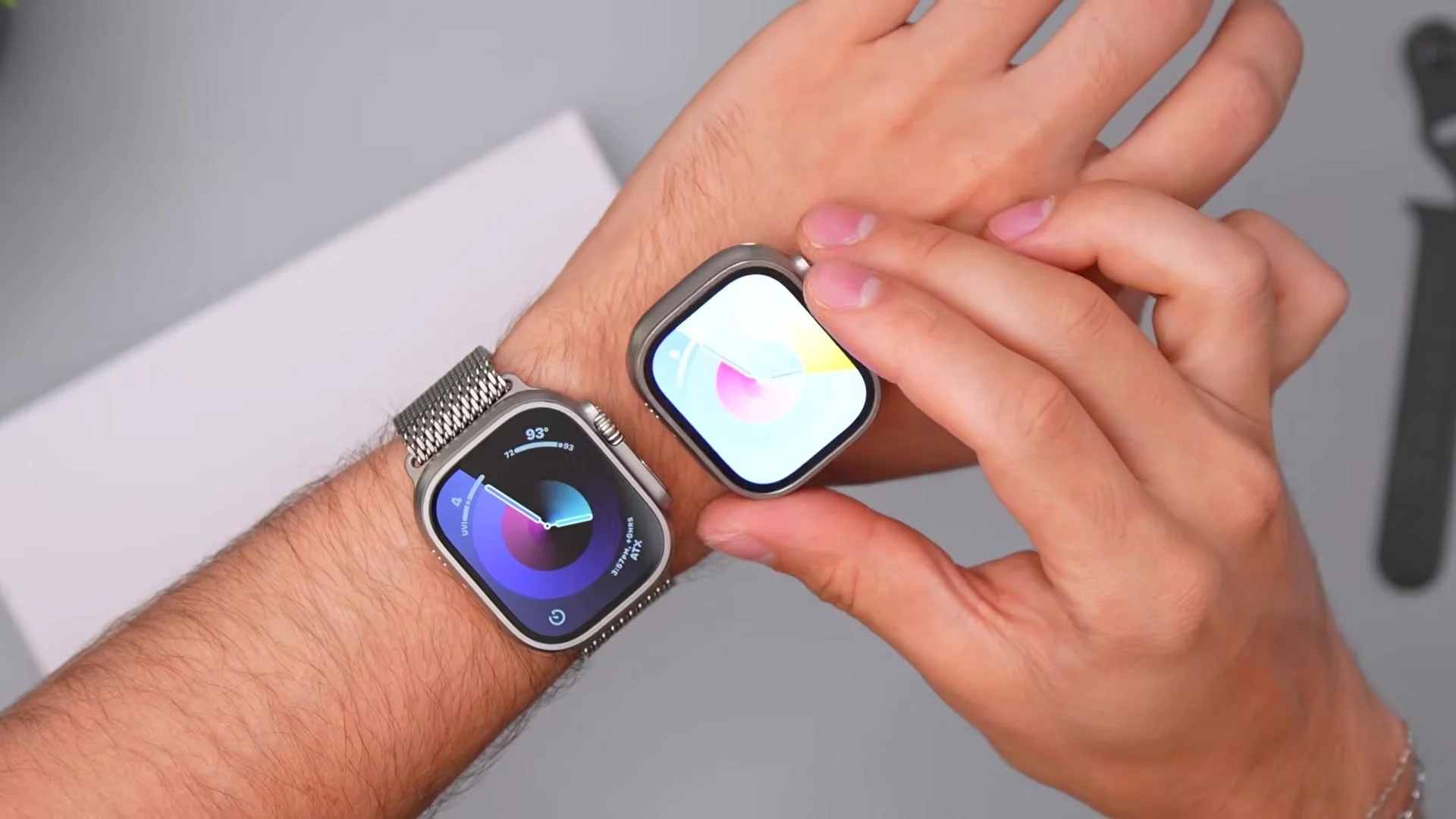
I haven’t upgraded my watch since the original Apple Watch Ultra, so I picked up the $800 Apple Watch Ultra 4 to see if the upgrade is actually worth it. Compared to my Ultra 1, it’s a completely different watch at this point.
All in Apple
I haven’t upgraded my watch since the original Apple Watch Ultra, so I picked up the $800 Apple Watch Ultra 4 to see if the upgrade is actually worth it. Compared to my Ultra 1, it’s a completely different watch at this point.
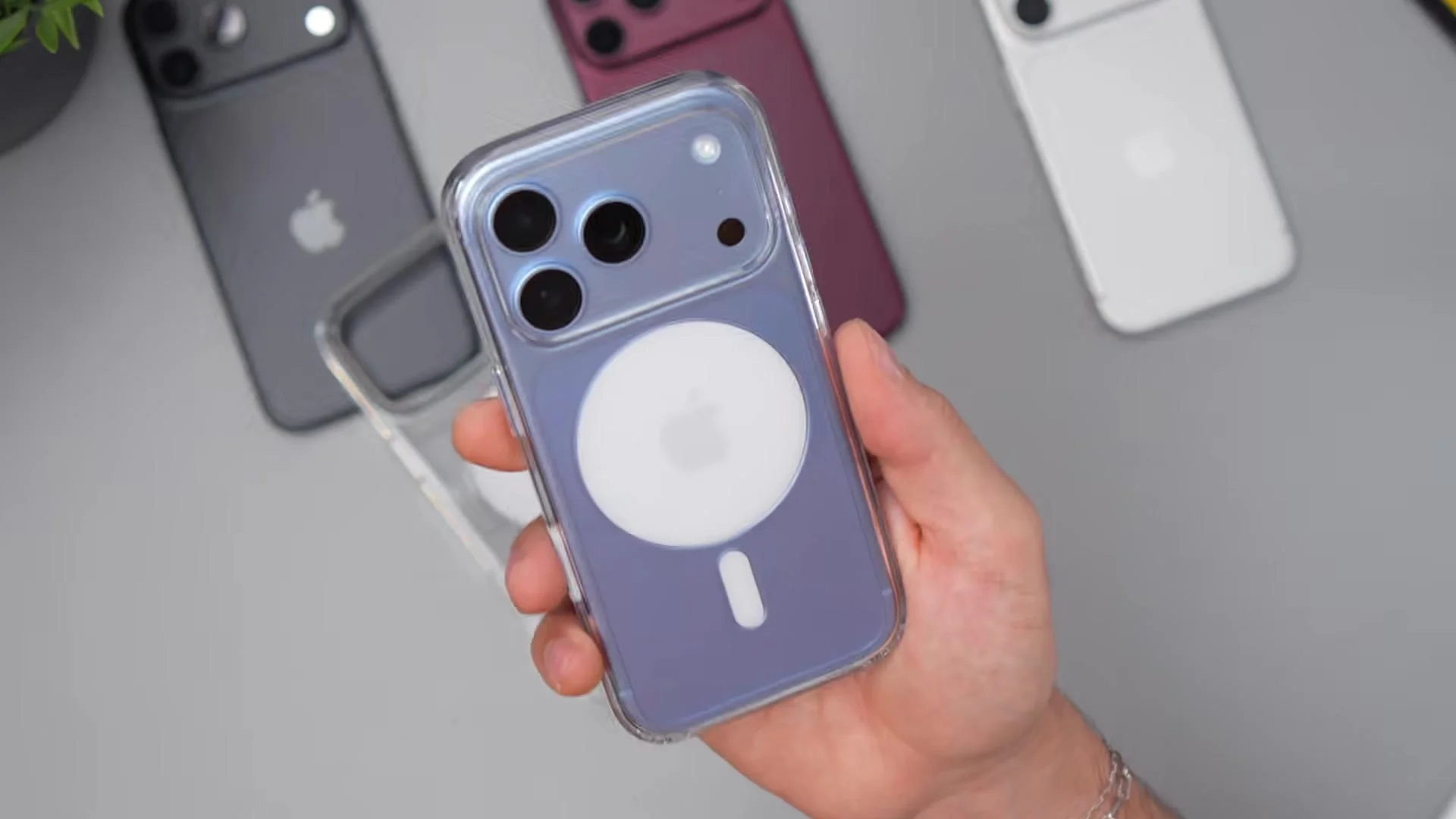
Apple’s official clear case for the iPhone 18 Pro and Pro Max retails for $50, and I put it on every color — Glacier, Silver, Burgundy, and Black — to see if it’s actually worth it.
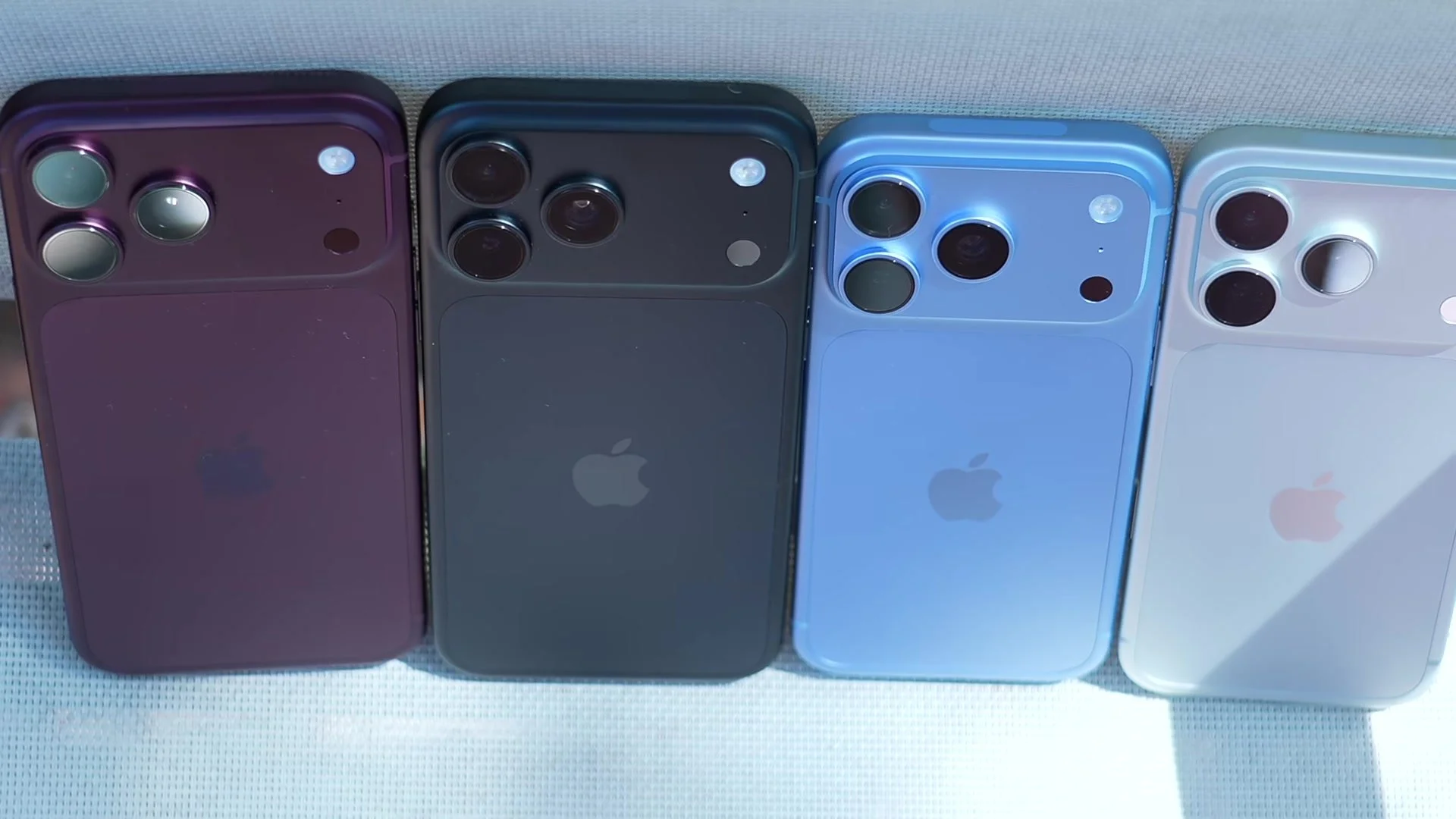
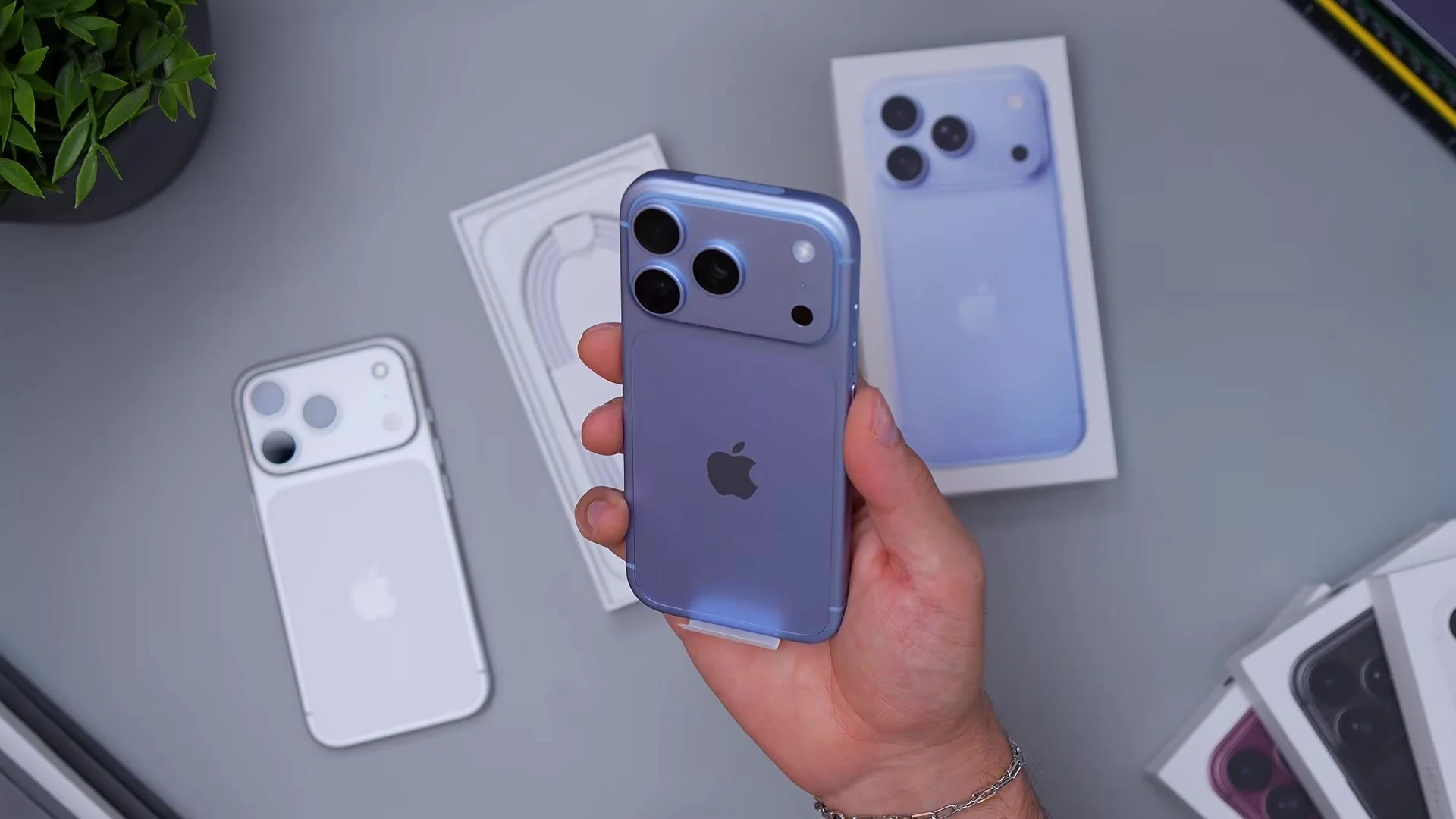
I’ve got every iPhone 18 Pro color on the desk at once: Burgundy, Black, Glacier Blue, and Silver. Honestly, I think this is a better set of four colors than last year’s lineup.
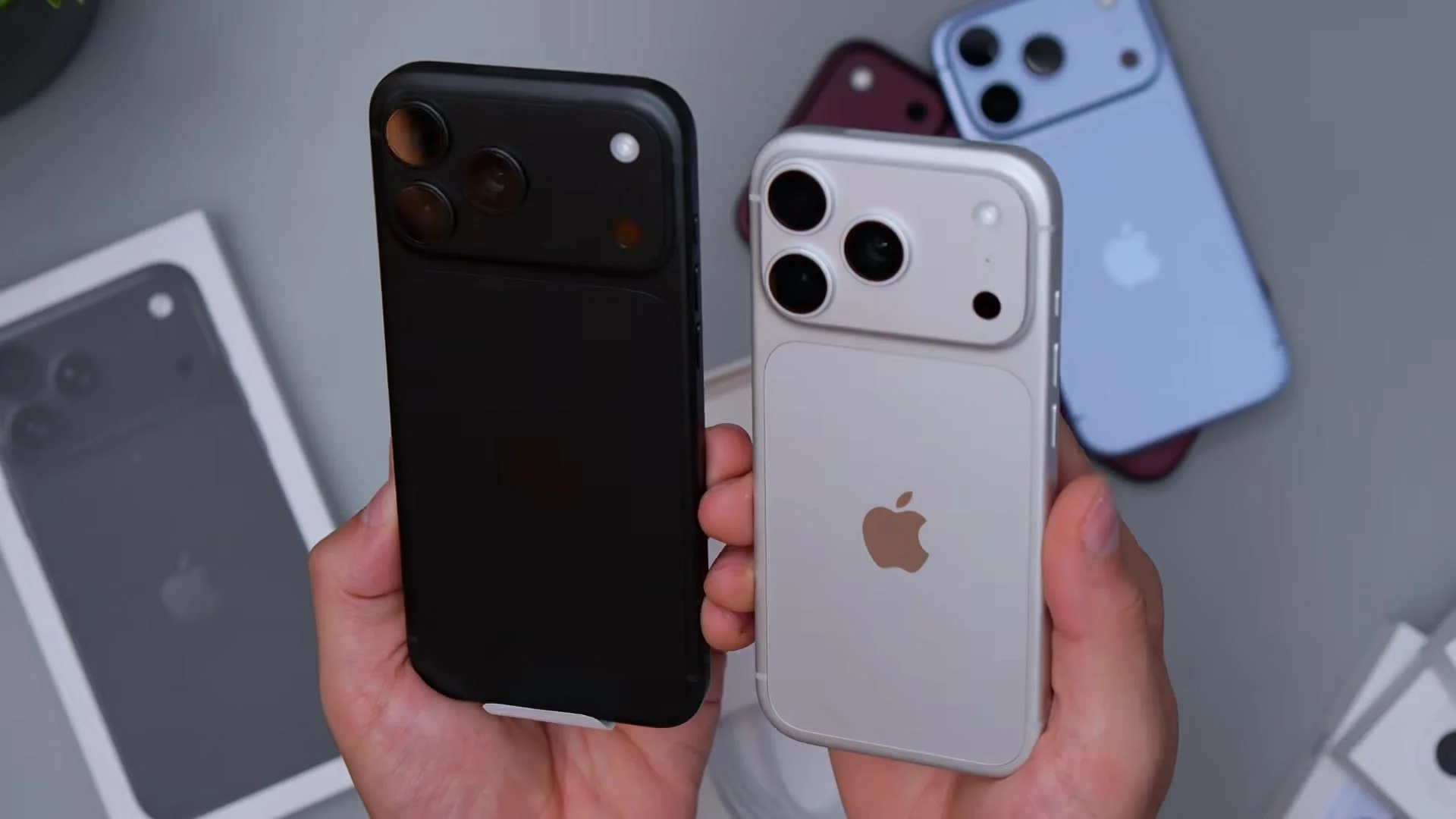
Black is back on the iPhone 18 Pro Max, and the matte stealth finish looks incredible — until fingerprints take over. Here’s how it compares to Glacier, silver, and burgundy in hand.
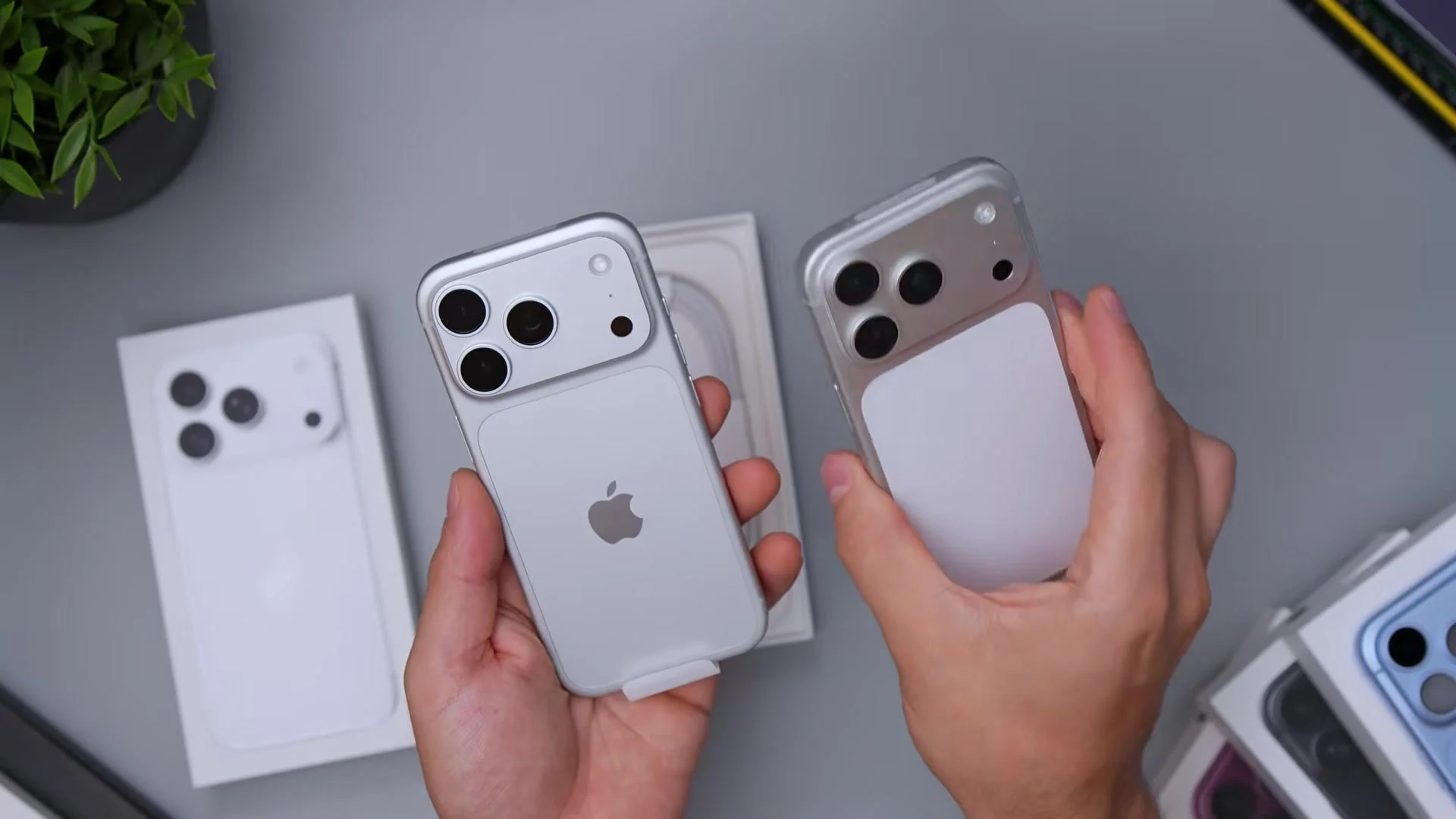
Silver on the iPhone 18 Pro finally gets a real color-matched silver back instead of the white rear panel on last year’s 17 Pro. Side by side, Apple fixed the finish — here’s how it looks.
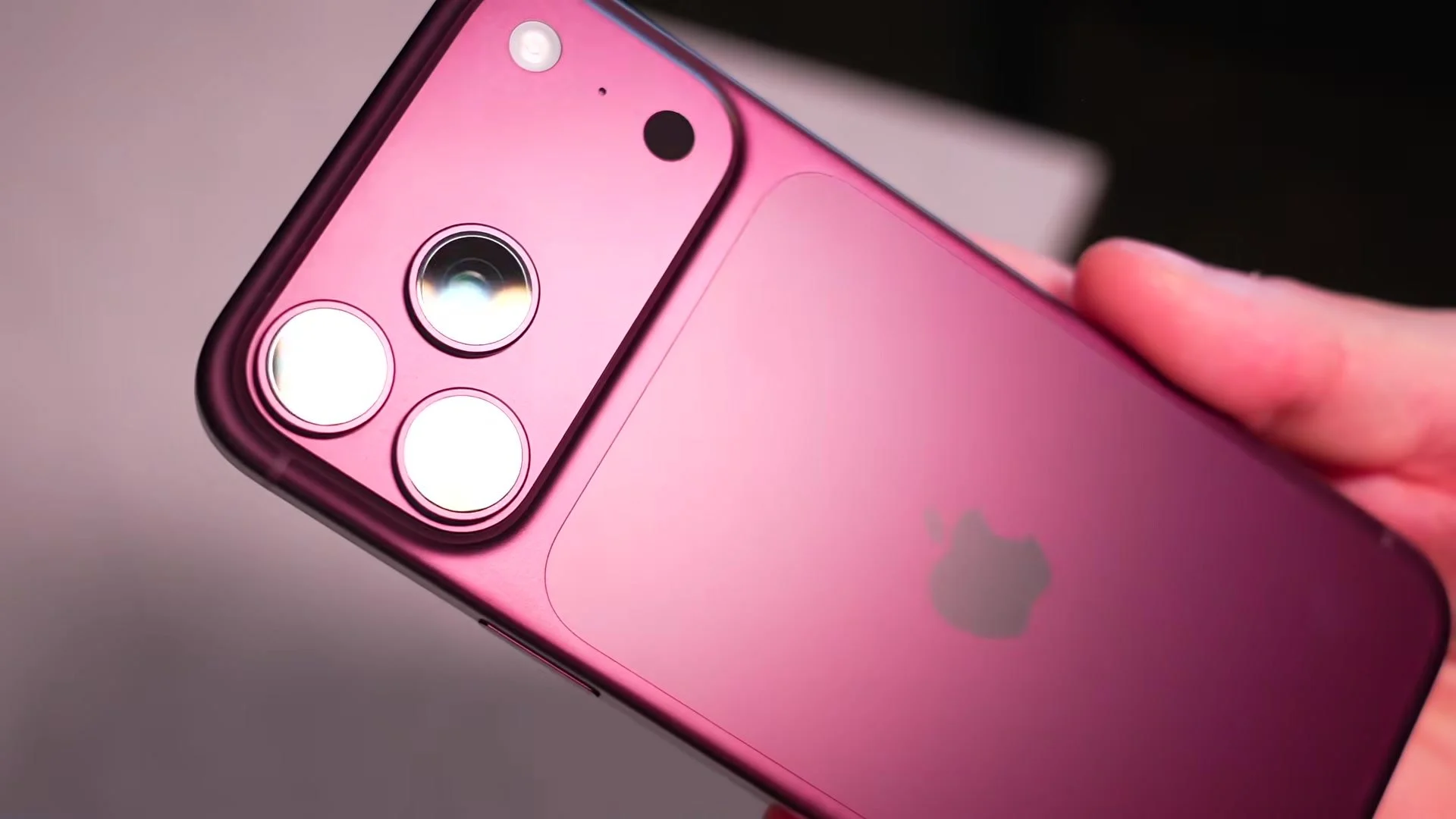
Burgundy on the iPhone 18 Pro Max is Apple’s big color this year, and in person it’s deeper and more sophisticated than I expected — almost eggplant, very deep but still vibrant. Here’s how it actually looks next to Glacier and silver.
Glacier is the new blue on the iPhone 18 Pro — a soft matte baby blue with slight purple undertones that feels way more wearable than last year’s near-black Pro blue. In person it reads calmer than Sierra Blue ever did.
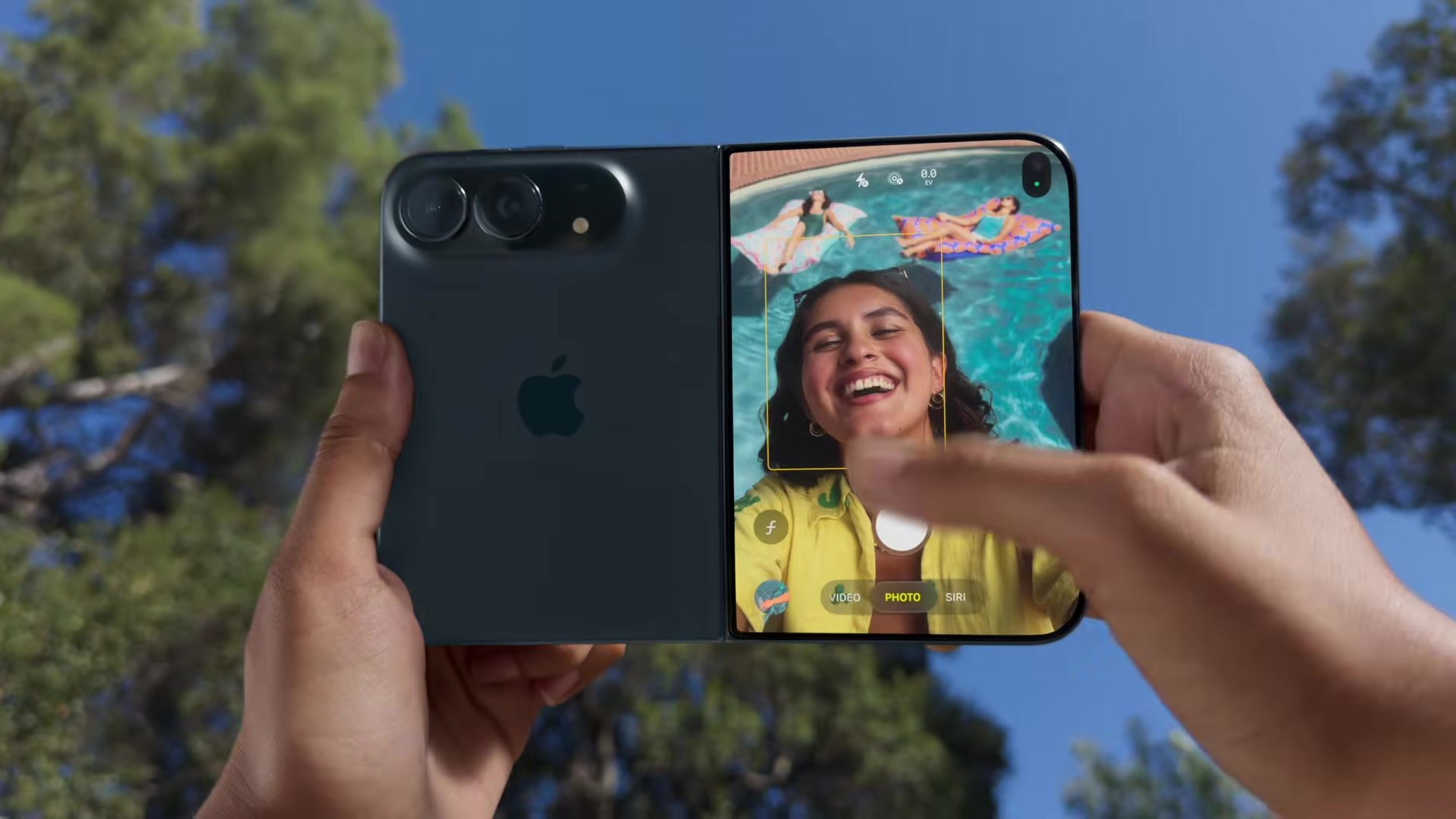
Apple stole the show with the iPhone 18 Pro and Pro Max, packing the A20 Pro chip, a vapor chamber, and a variable aperture camera, alongside its first foldable, the $2,000 iPhone Duo. Here’s everything Apple announced, including the Watch Series 12, Ultra 4, and AirPods 5.
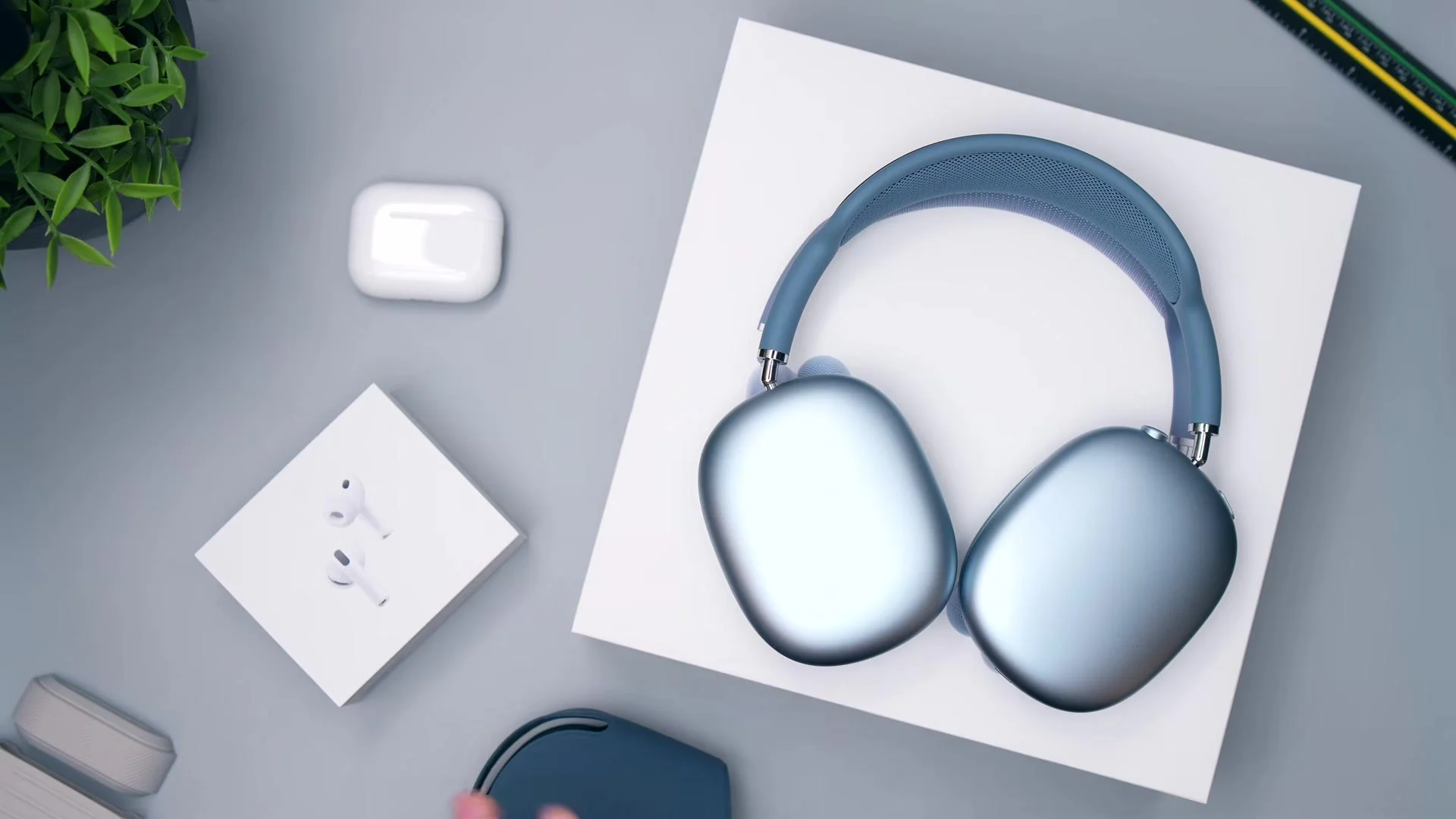
I upgraded from my original AirPods Max to the new AirPods Max 2, and honestly, they’re mostly a refresh with the H2 chip inside. So I put them up against my AirPods Pro 3 to see if $300 more for over-ears is really worth it.
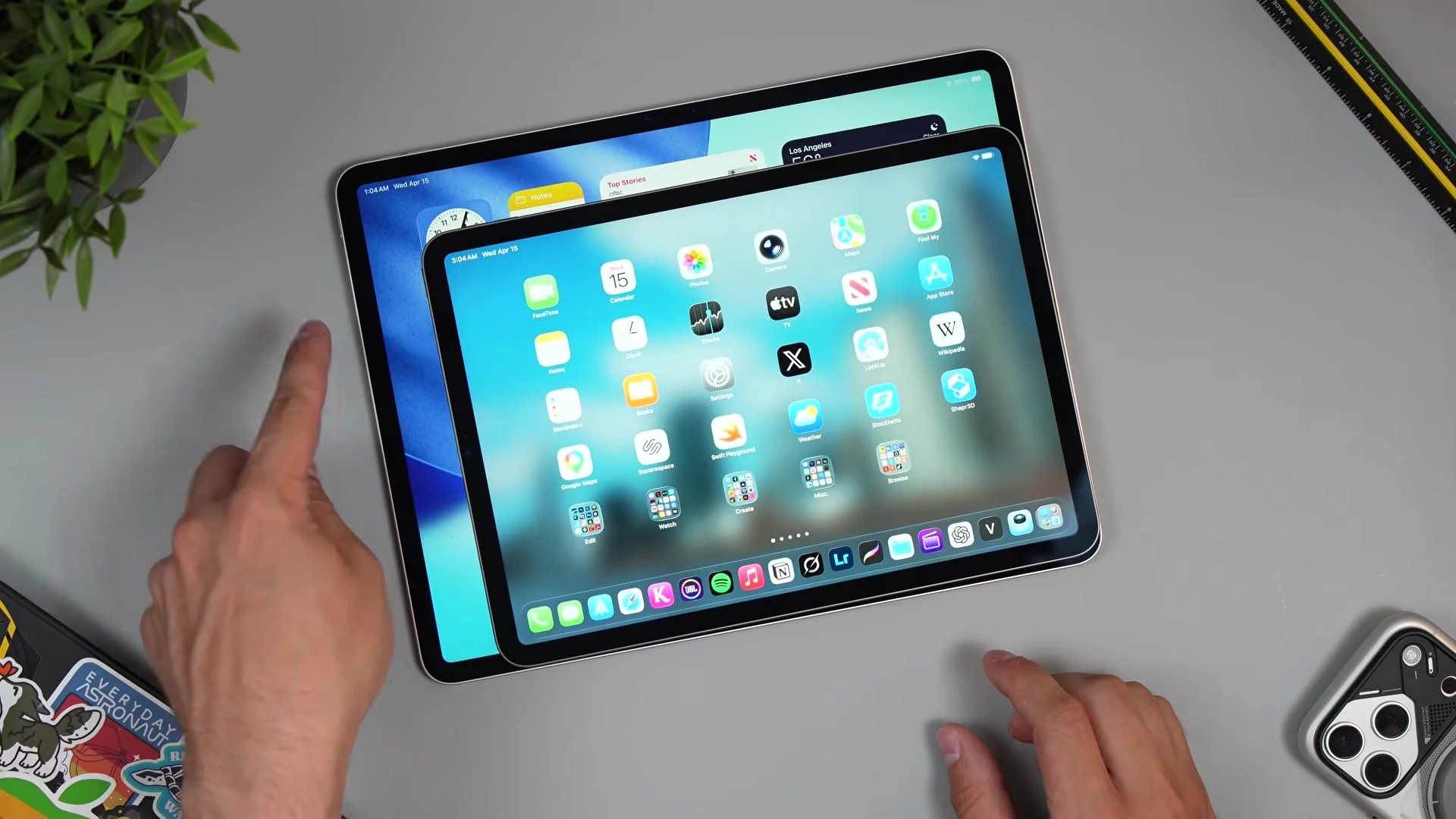
Picking between the 11-inch and 13-inch iPad Air M4 is more than a $200 decision — it changes how you actually use the thing. I put them side by side to see which size you should actually buy.
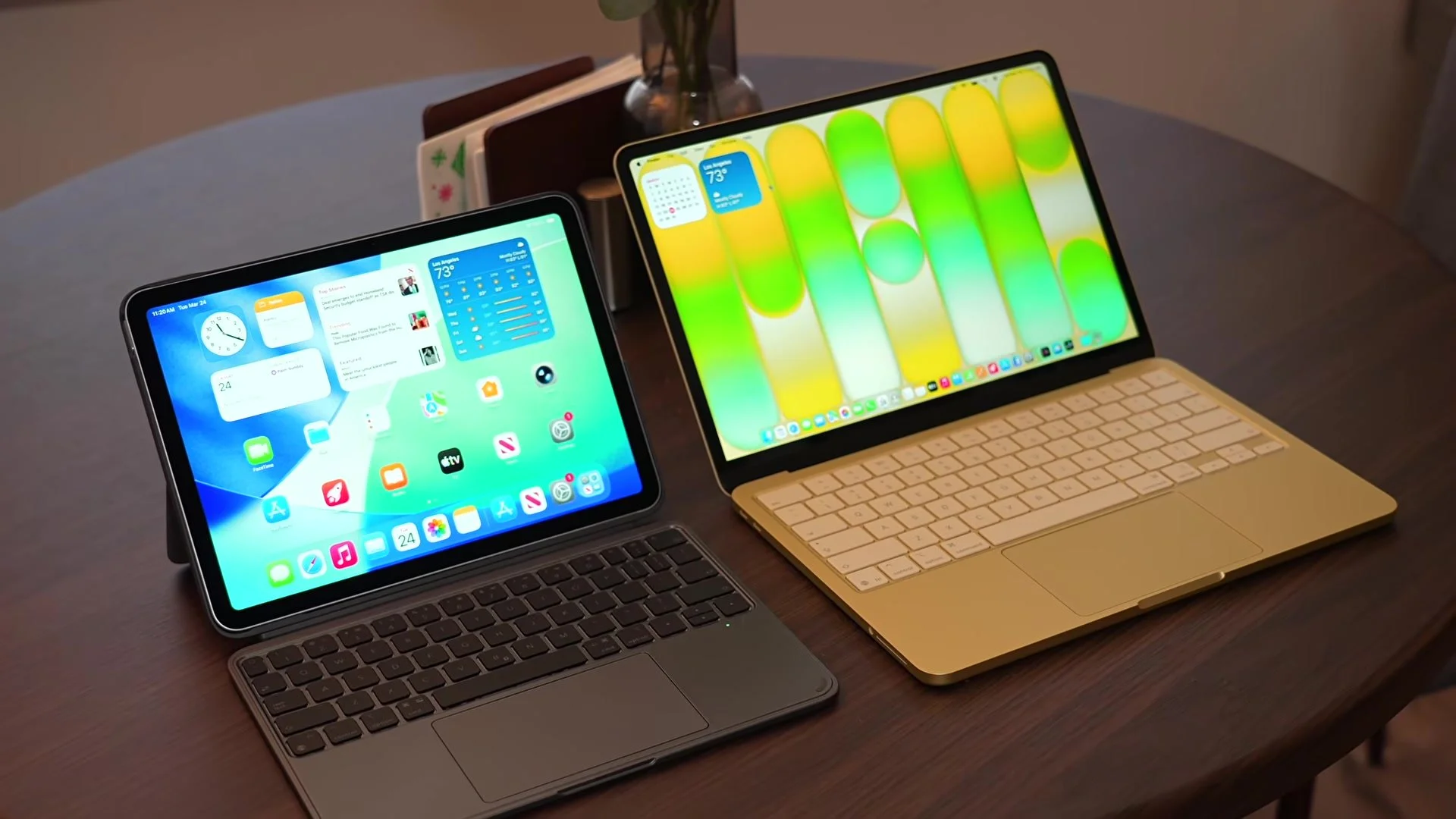
Apple dropped two confusingly good budget machines at once: the $599 MacBook Neo and the $649 iPad Air M4. I spent a week treating each as my only computer to see which one you should actually buy.
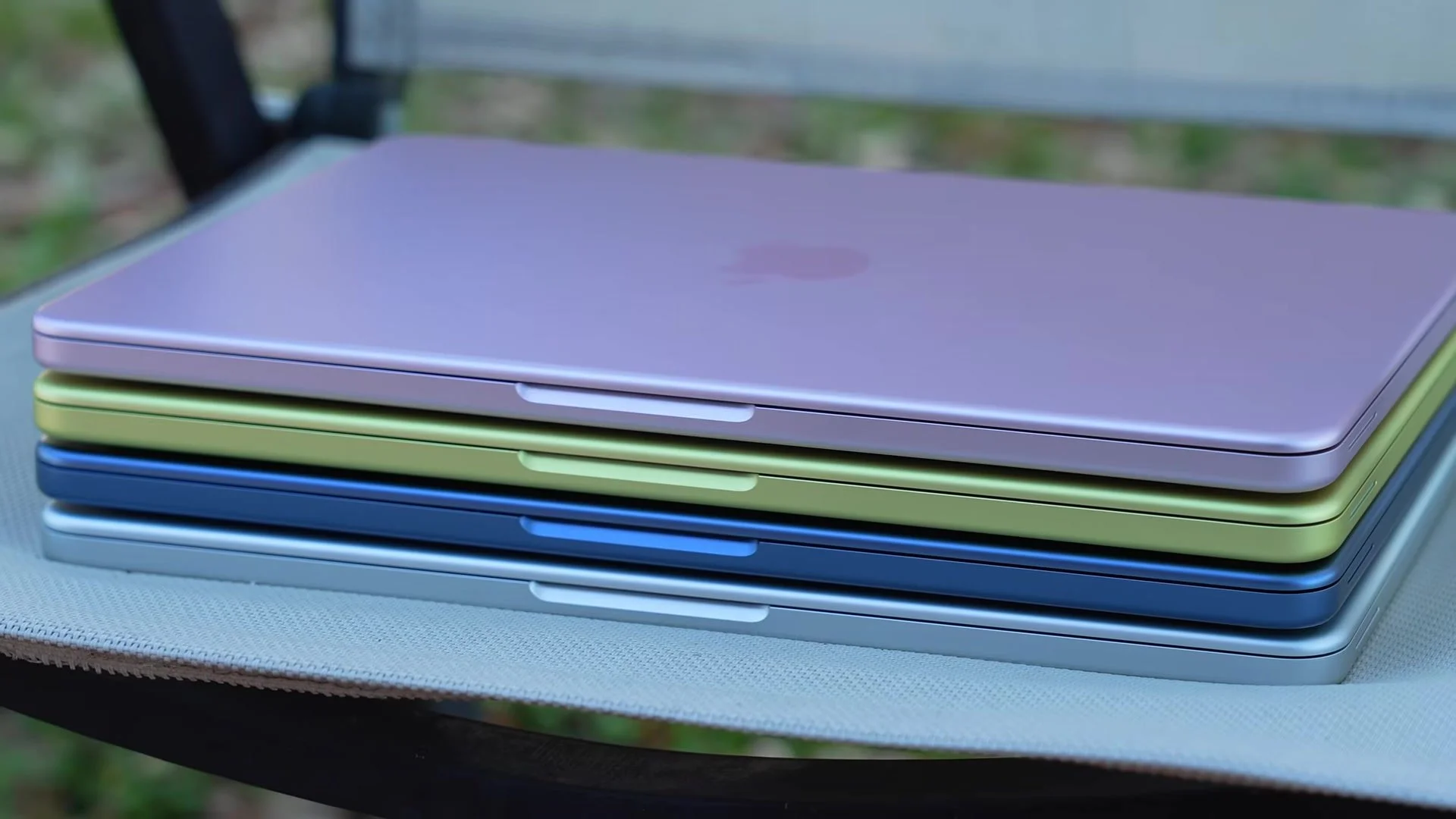
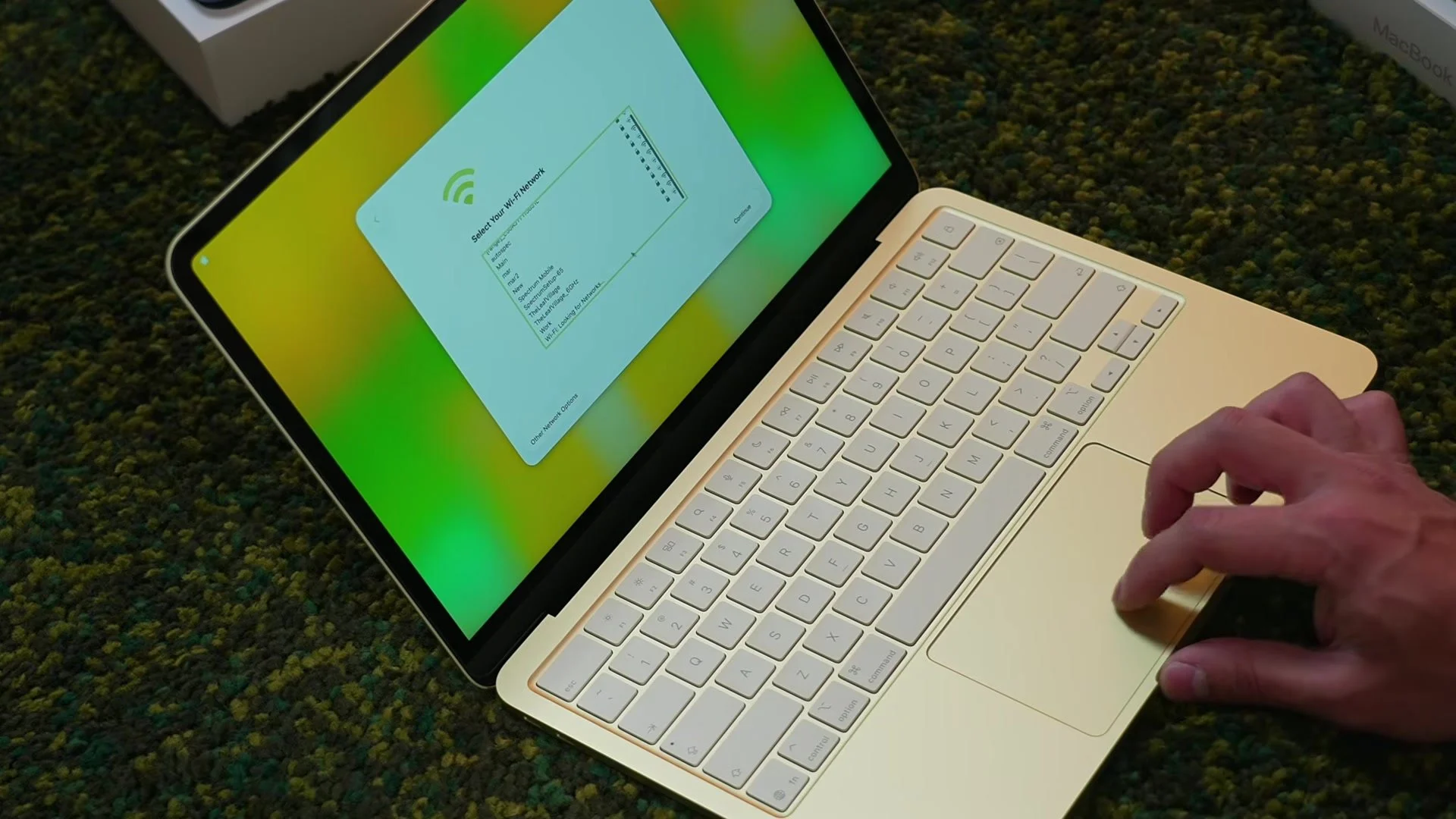
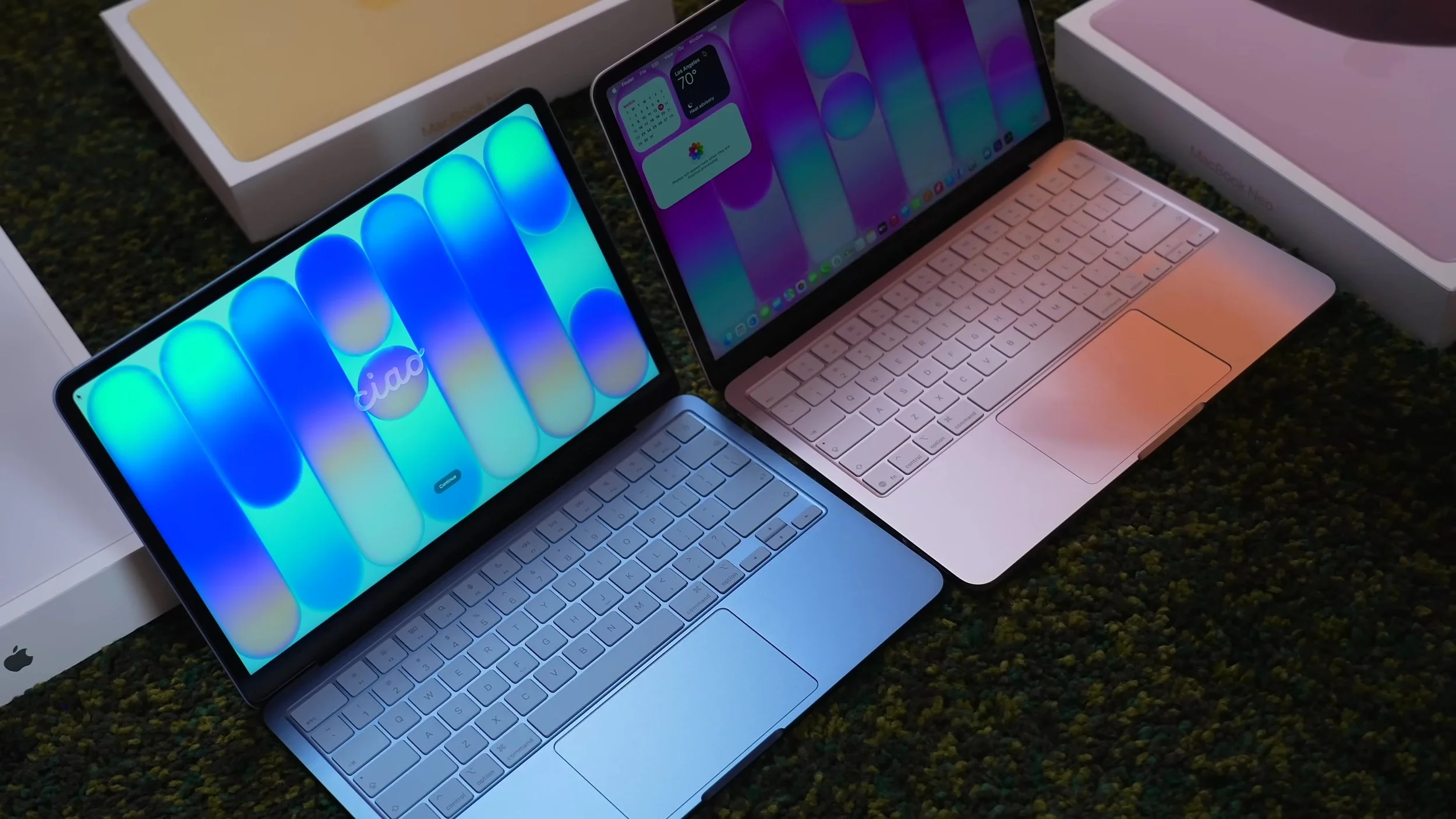
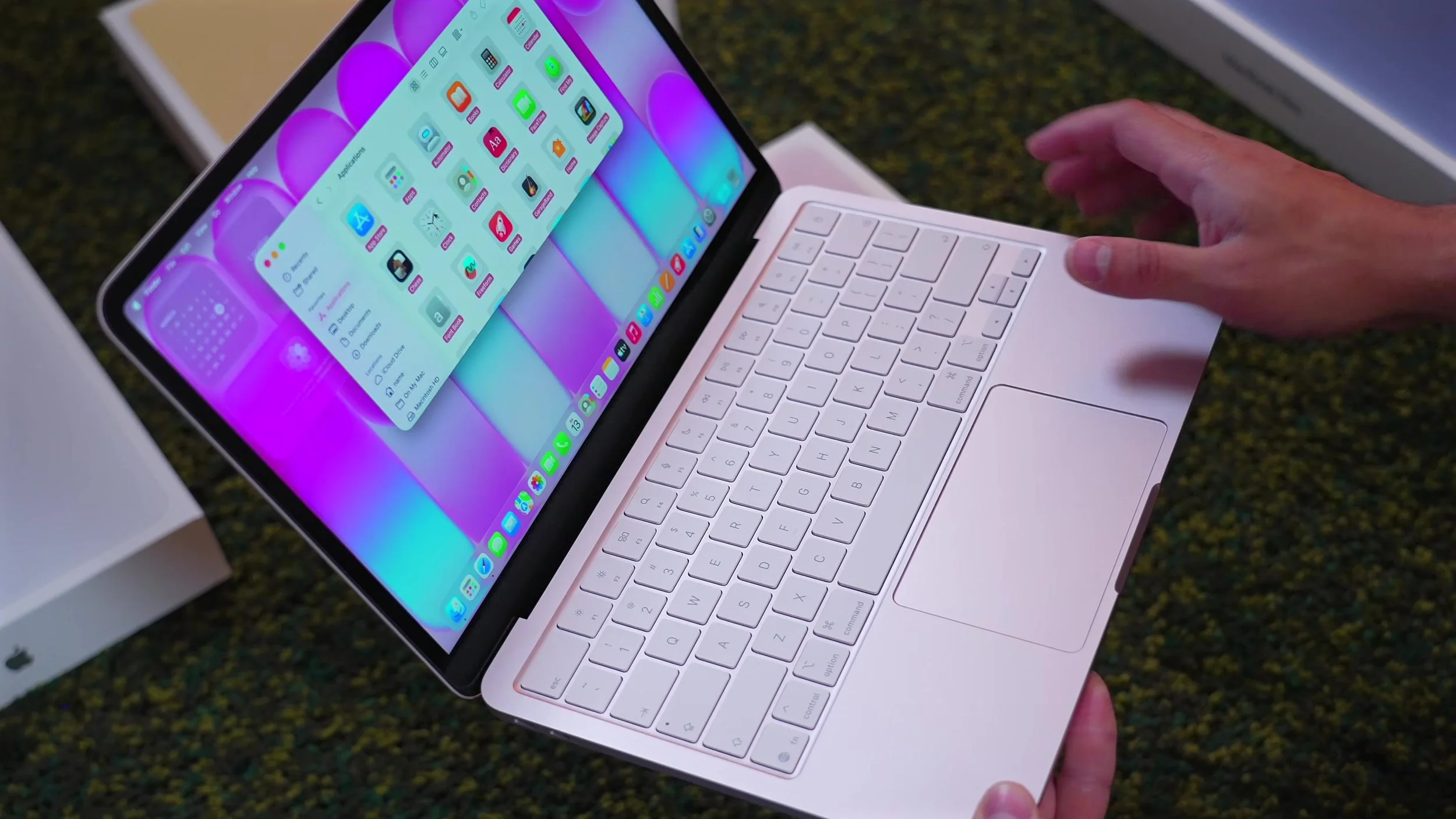
All four MacBook Neo colors in one place — indigo, blush, citrus, and silver — so you can actually pick. Same $599 machine ($499 education): 13-inch, 2.7 lb all-aluminum, and each color has a different personality.
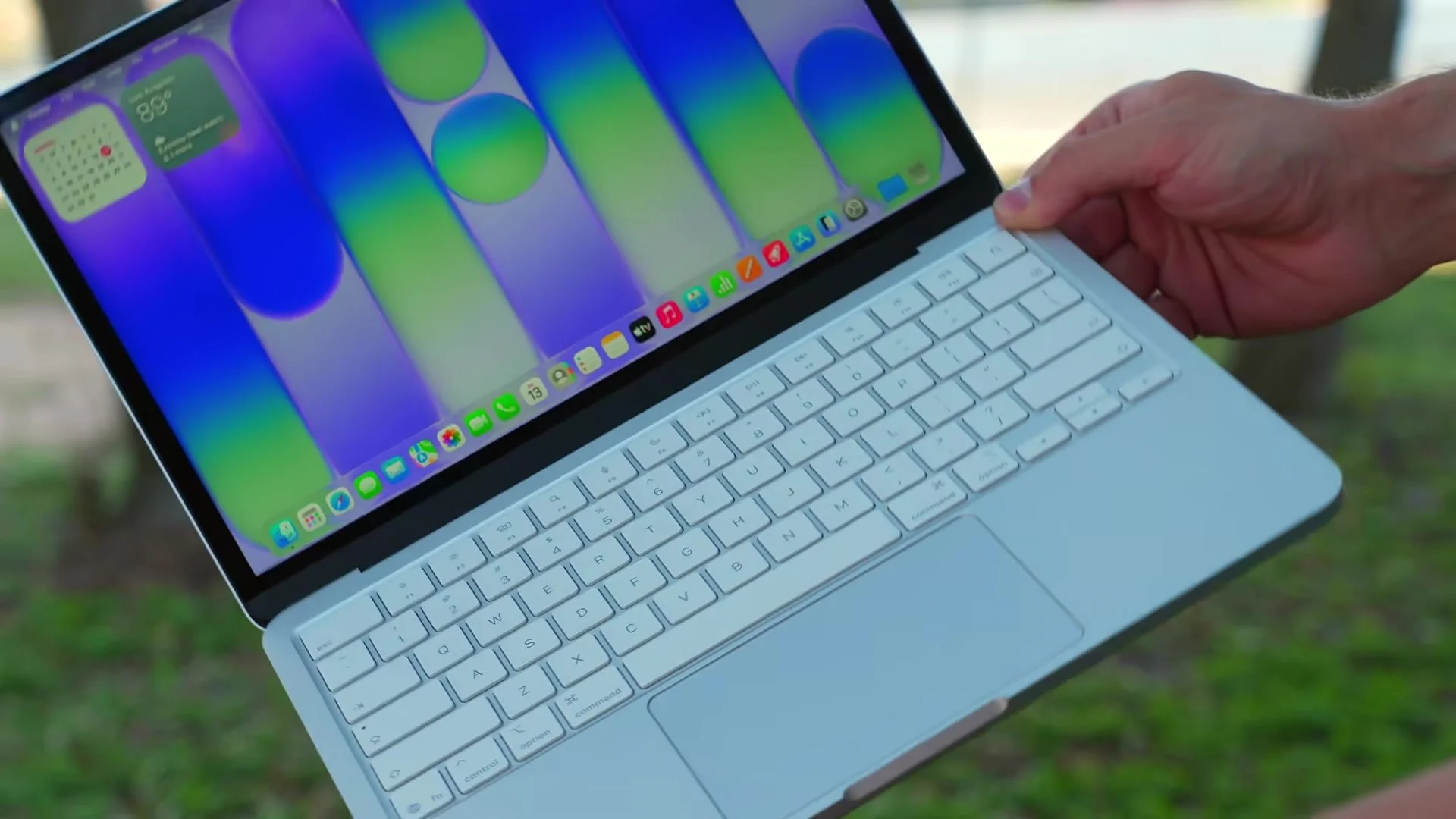
Last in my MacBook Neo color unboxings: silver white — Apple’s cleanest, most minimal Neo. At $599 ($499 with education), it’s the same 2.7 lb aluminum machine with a full white keyboard that looks incredible against silver.
Today I’m unboxing Apple’s MacBook Neo in citrus green — the quirkiest, most polarizing color in the lineup. At $599 ($499 with education), this all-aluminum 2.7 lb notebook is smaller than a MacBook Air and sits right between lemon and lime.
Next up: the MacBook Neo in indigo blue — and after the blush pink unboxing, this cobalt-leaning blue might be my favorite of the bunch. Same story: if you’re torn between an iPad and a Neo, I’d take the Neo unless you really need Apple Pencil.
Today I’m unboxing Apple’s MacBook Neo in blush pink — Apple’s first completely new laptop line since the MacBook Air in 2008. At $599 ($499 with education), this isn’t a toy: all-aluminum, smaller than an Air at 2.7 lb, and a trackpad that’s clickable in every corner.
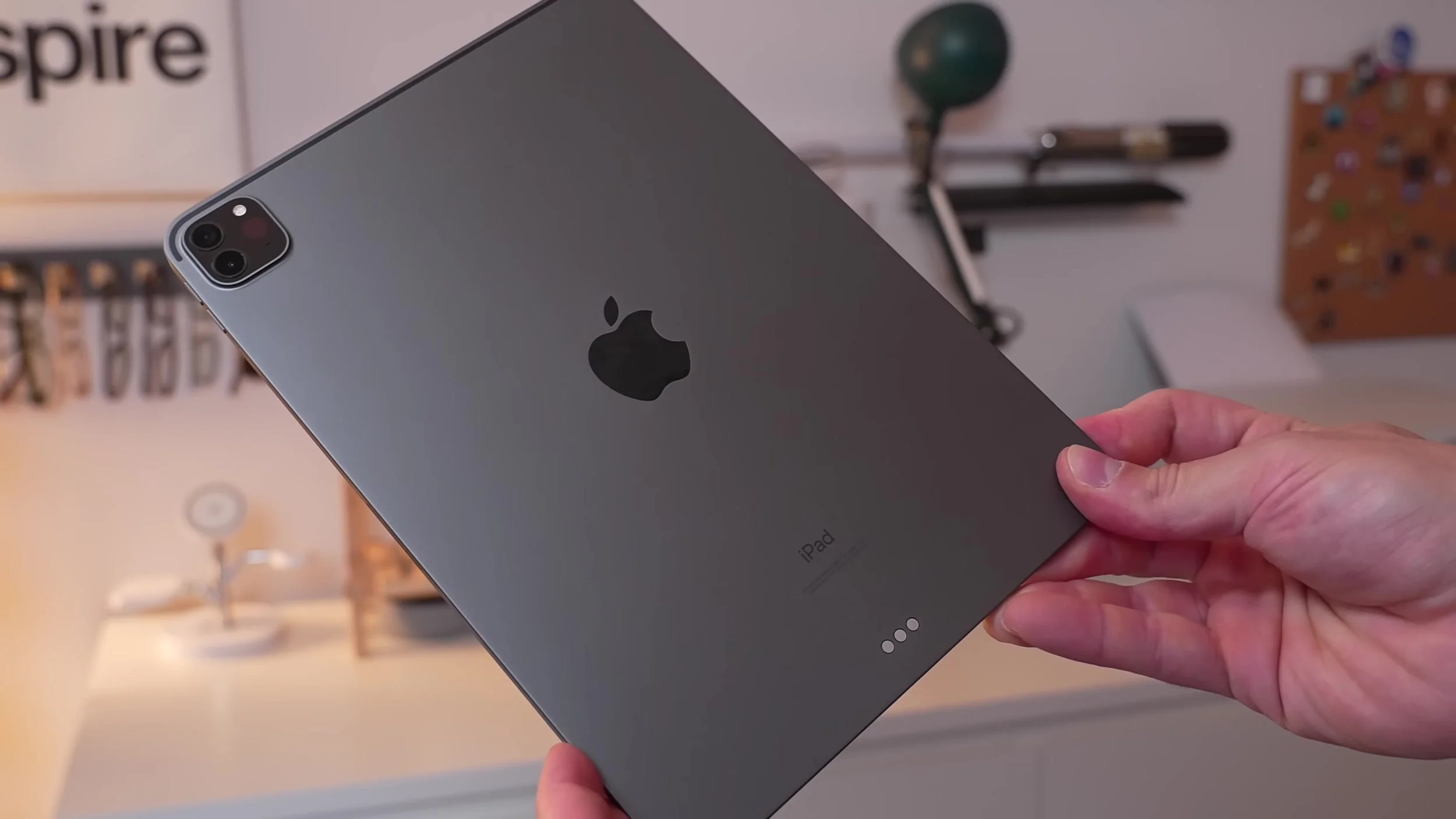
I’ve been daily-driving the same M1 iPad Pro for almost five years — editing, Apple Pencil work, movies, docs, even App Store games — and it still never feels like it’s begging for a replacement. Yearly tablet upgrades look tempting, but for real tablet use the M1 leap aged so well that buying this year’s slightly refreshed iPad rarely makes sense.
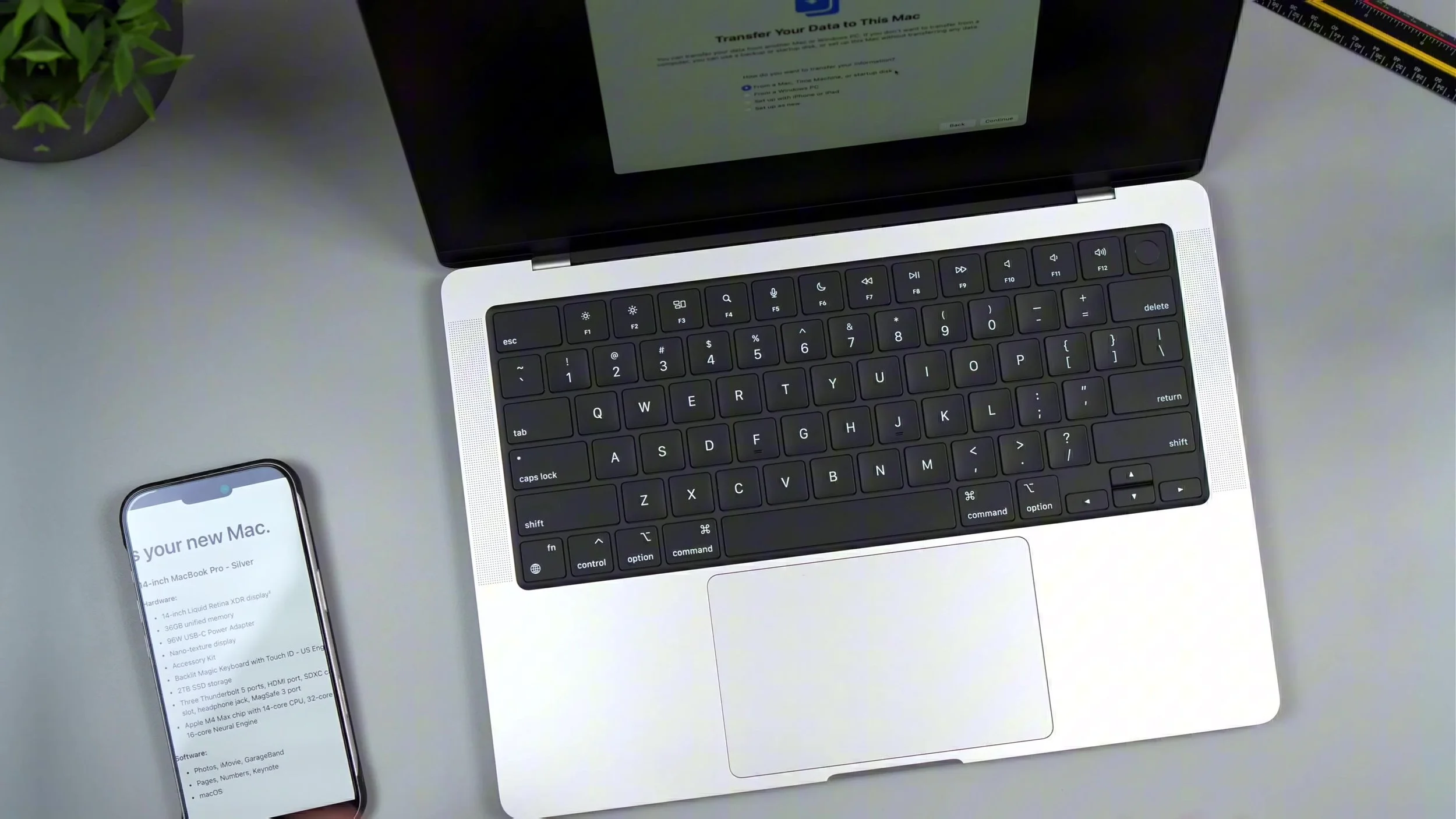
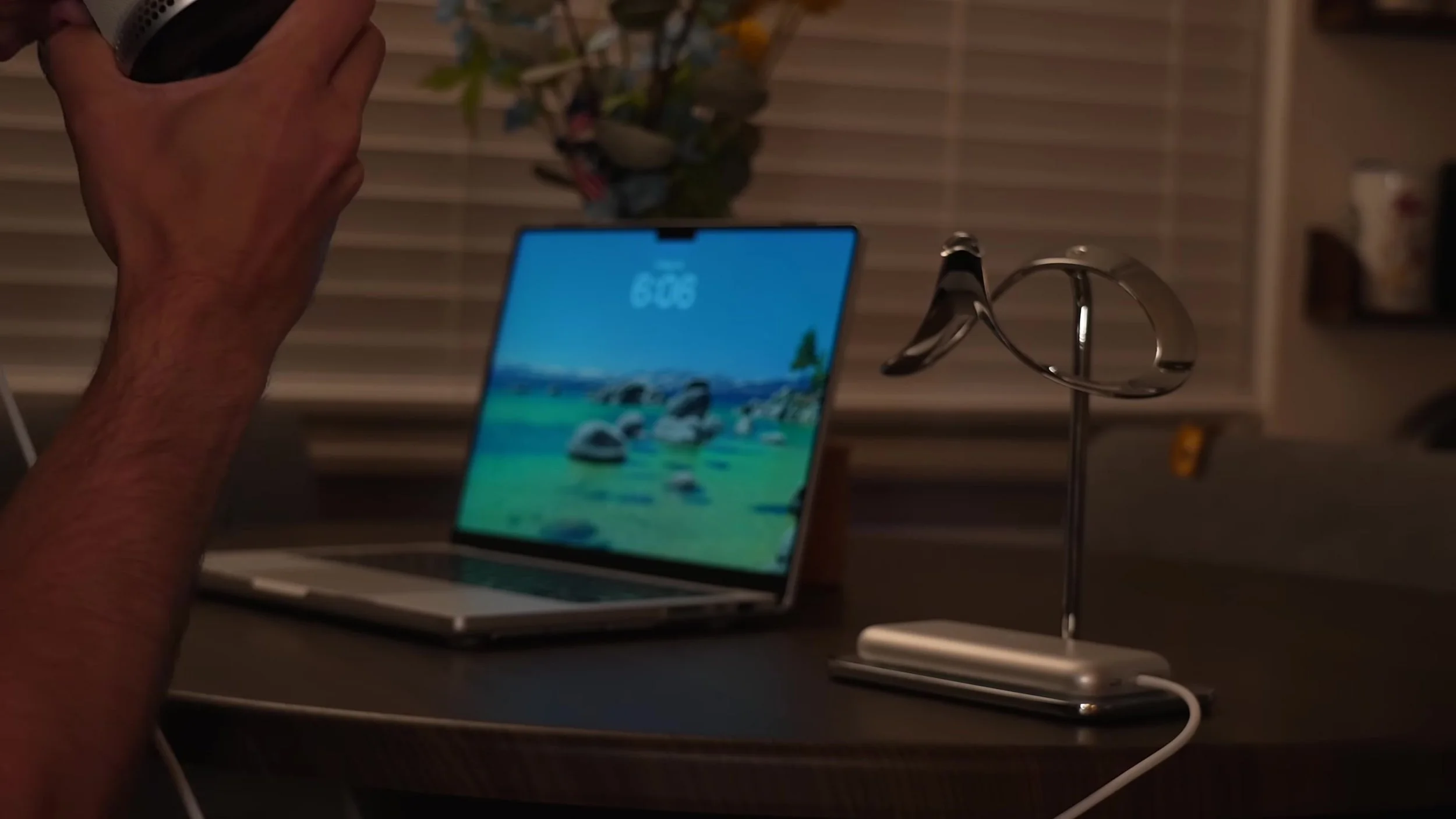
Nearly five years on an M1 MacBook Pro was a personal record — then RAM ceilings finally pushed me to jump to an M4 Max 14-inch. I broke down why I didn’t wait for M5, the silver unboxing, my full Vernal desk refresh, and the config I actually bought: 36GB unified memory, nano-texture display, and 2TB SSD.
Can Apple Vision Pro M5 replace a traditional desk? After a week bouncing between a messy monitor-and-cable setup and just a MacBook plus Vision Pro, I wanted an honest answer — virtual displays anywhere, M5 vs M2 gains, color/sharpness limits, fatigue, and whether “desk anywhere” beats a Studio Display routine.
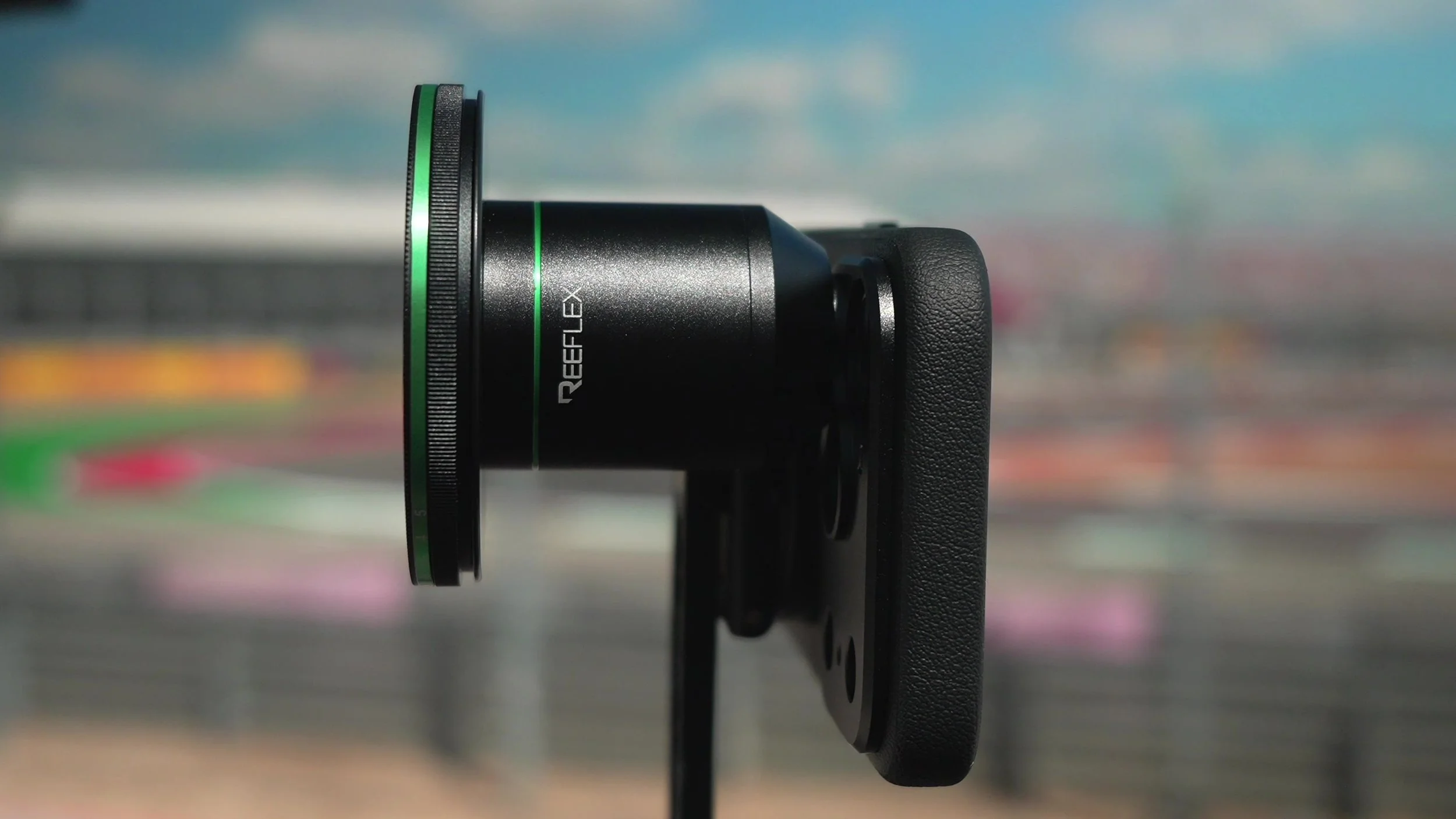
The iPhone 17 Pro already has one of the best phone cameras out there — triple lenses, strong color science, ProRAW — but physics still limits how much “real camera” look you can squeeze from tiny glass. I put Reeflex G-Series lenses and filters on the 17 Pro to see how far magnetic pro glass can push depth, compression, and cinematic blur.