iPad Air 13" vs 11": Which Size Should You Actually Buy?
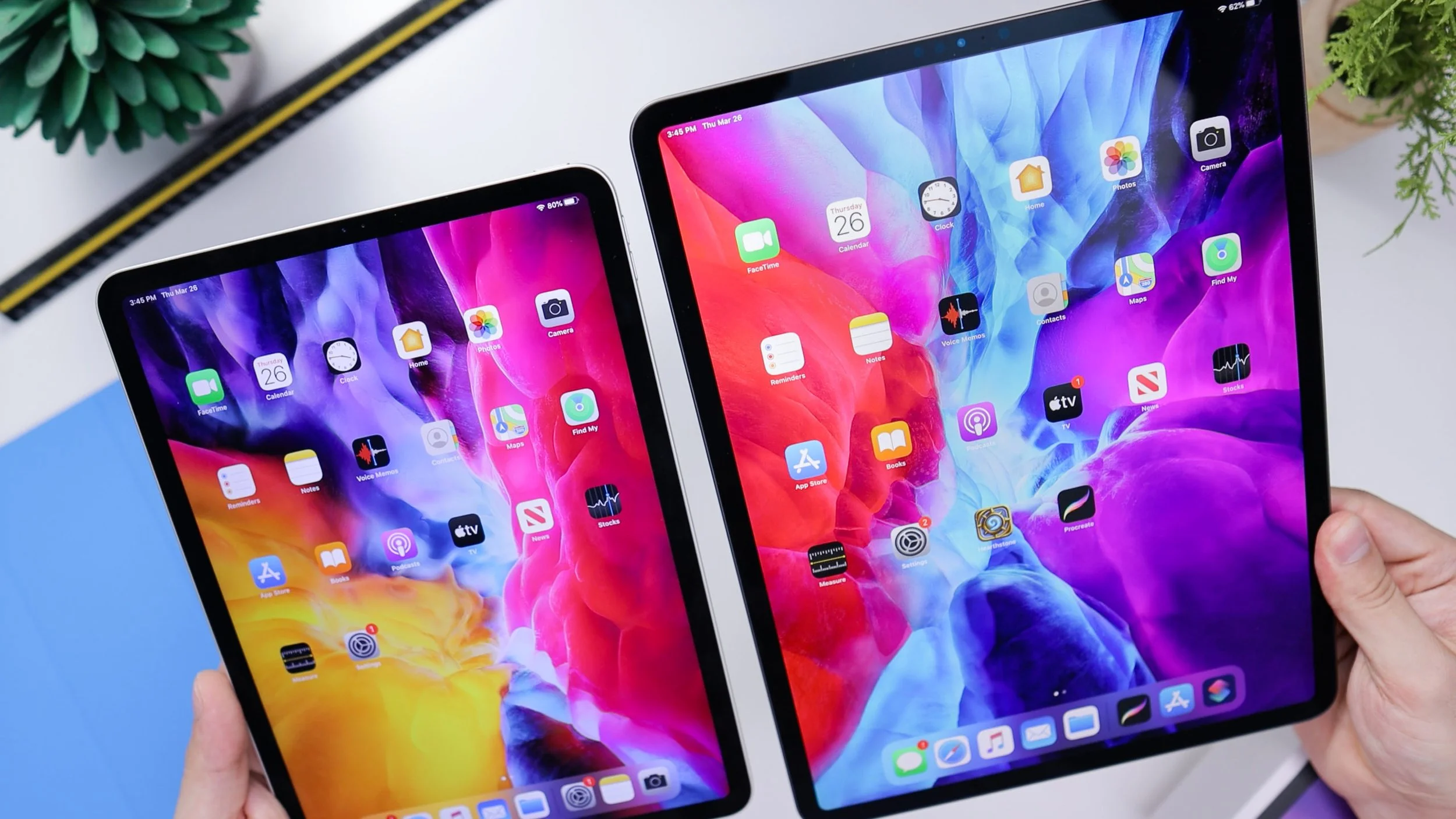
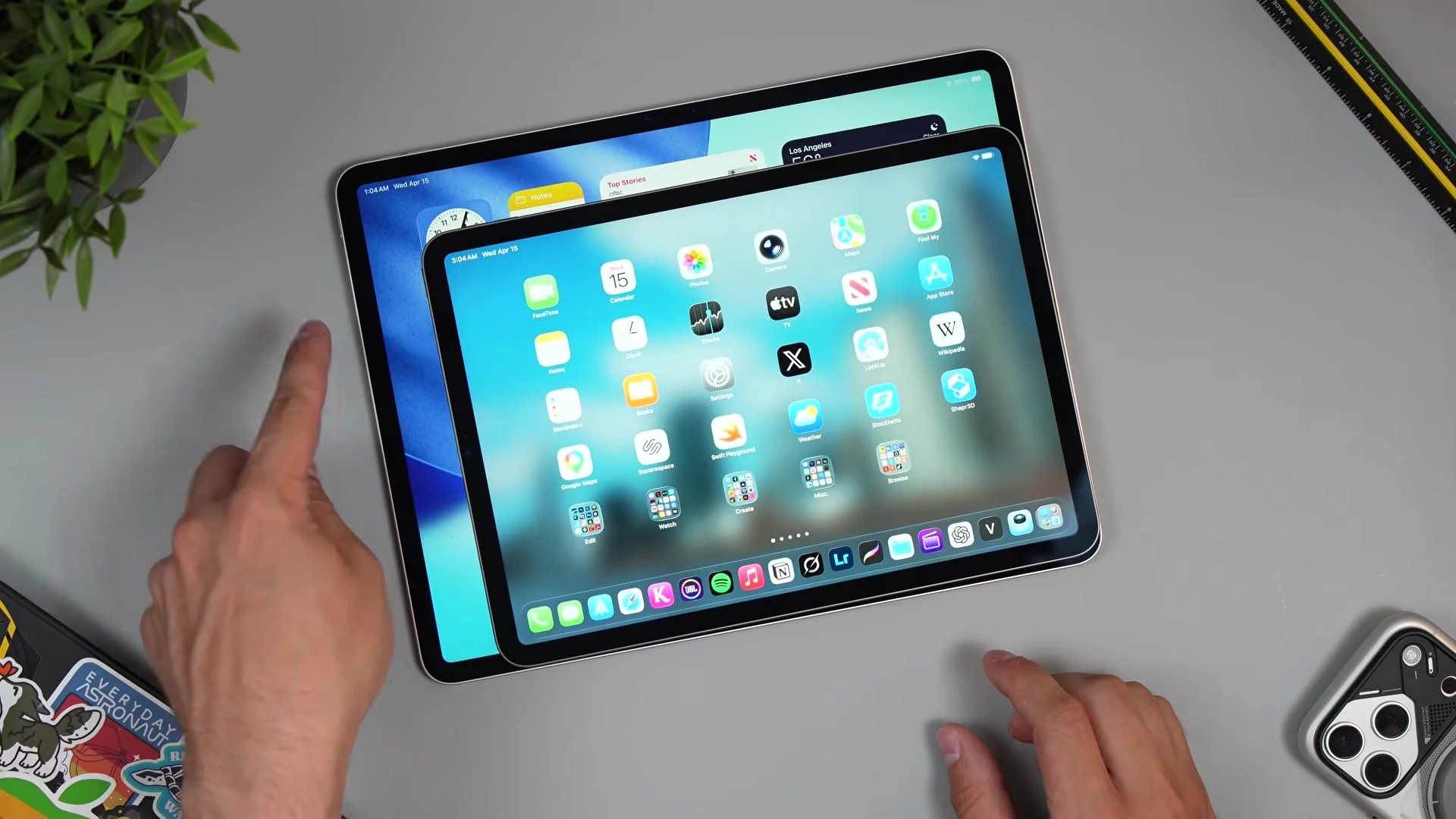
Picking between the 11-inch and 13-inch iPad Air M4 is more than a $200 decision — it changes how you actually use the thing. I unboxed the 13-inch in starlight (basically silver with a subtle gold tint, and I actually prefer it) and put it side by side with the 11-inch to break down portability, multitasking, creative work, and whether that extra screen is worth the extra size in your bag.
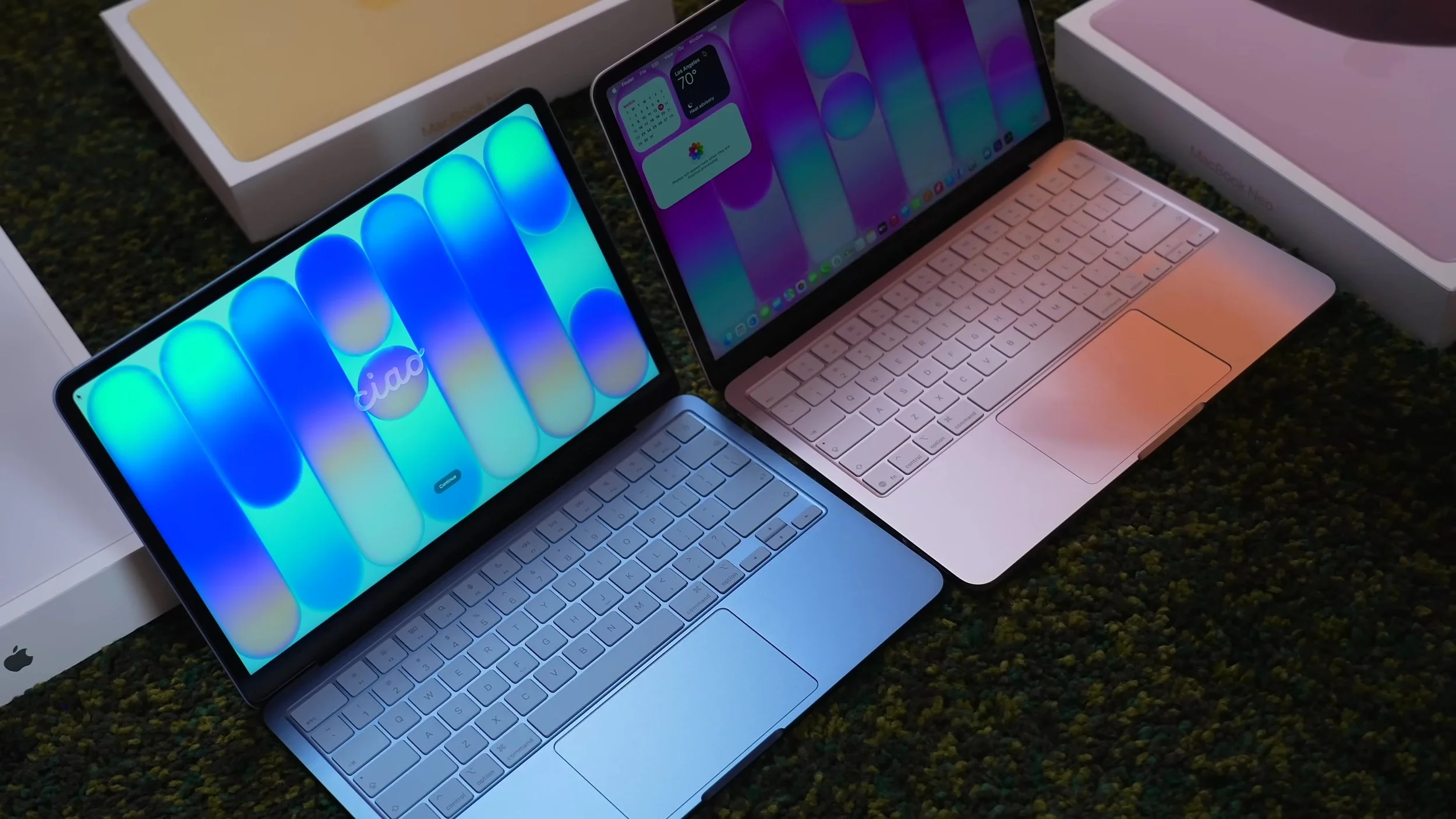
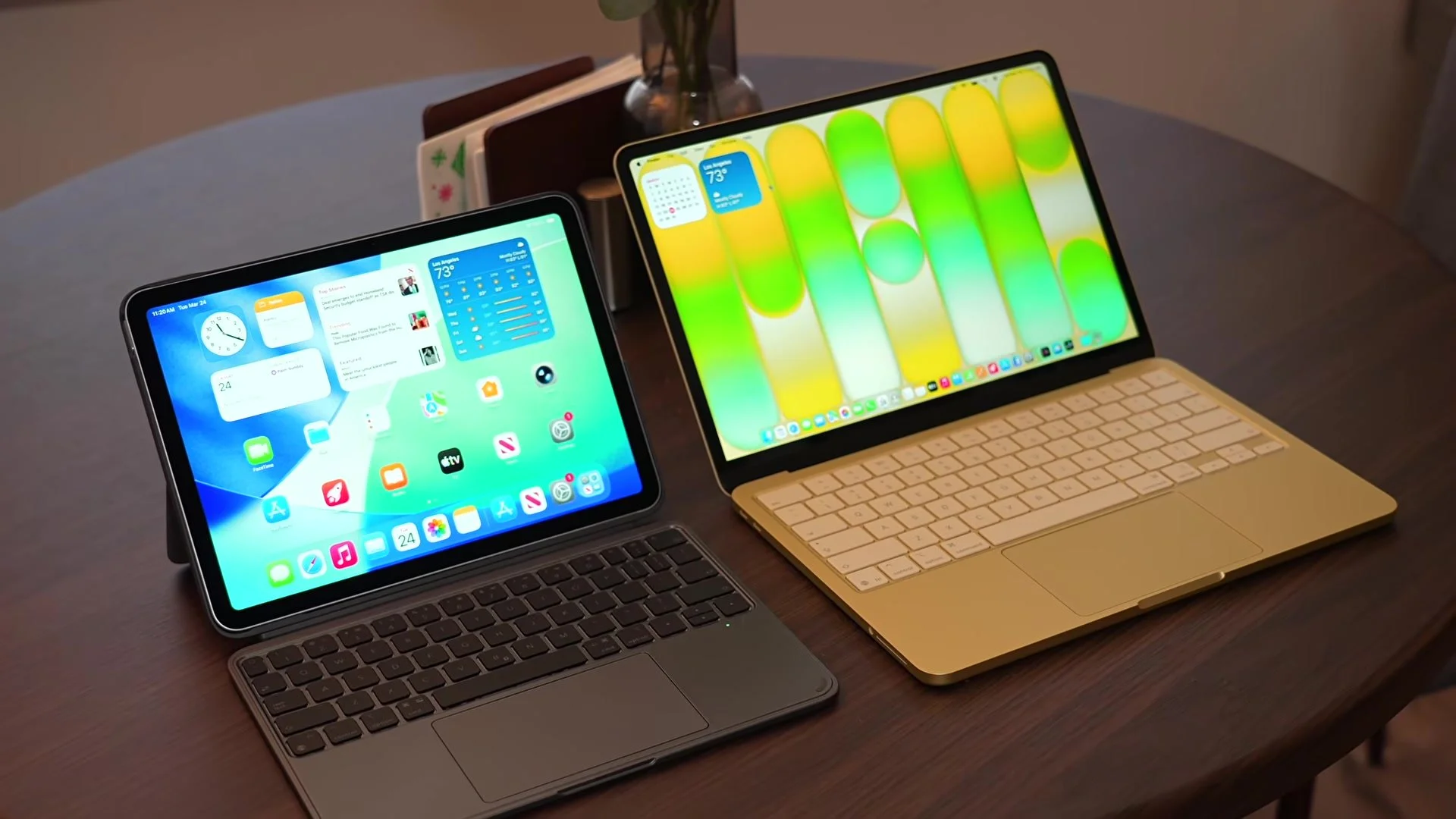
Specs are identical: M4 with an 8-core CPU and 9-core GPU with hardware ray tracing, 12 GB of unified memory, a 500-nit P3 Liquid Retina display with True Tone (no 120 Hz like the Pro), Touch ID instead of Face ID, and colors in starlight, blue, purple, and space gray. The 13-inch even has slightly smaller bezels. Where it pulls ahead is windowed multitasking — on the 11-inch it’s cramped and frustrating, while the 13-inch basically gives you two full tablets side by side — plus video editing, photo retouching, a bigger drawing surface, and a full-size keyboard with the ESR Shift Magnetic Case. The 11-inch is easier to hold, better for gaming with wrap-around controllers, and fits a plane tray table. I also covered ESR’s Armorite screen protector install and the Geo Digital Pencil with Find My. My rule: if you want an iPad that can turn into a laptop, get the 11; if you want a laptop that can turn into an iPad, get the 13.
Watch the full iPad Air 13" vs 11" comparison for the unboxing, side-by-side screen demos, multitasking, the ESR case and pencil, and the iPad Air vs iPad Pro differences. Final thoughts: the 11-inch is the perfect second device next to a MacBook, but if this is going to be your main machine, spend the extra $200 on the 13-inch — the screen real estate is worth it.