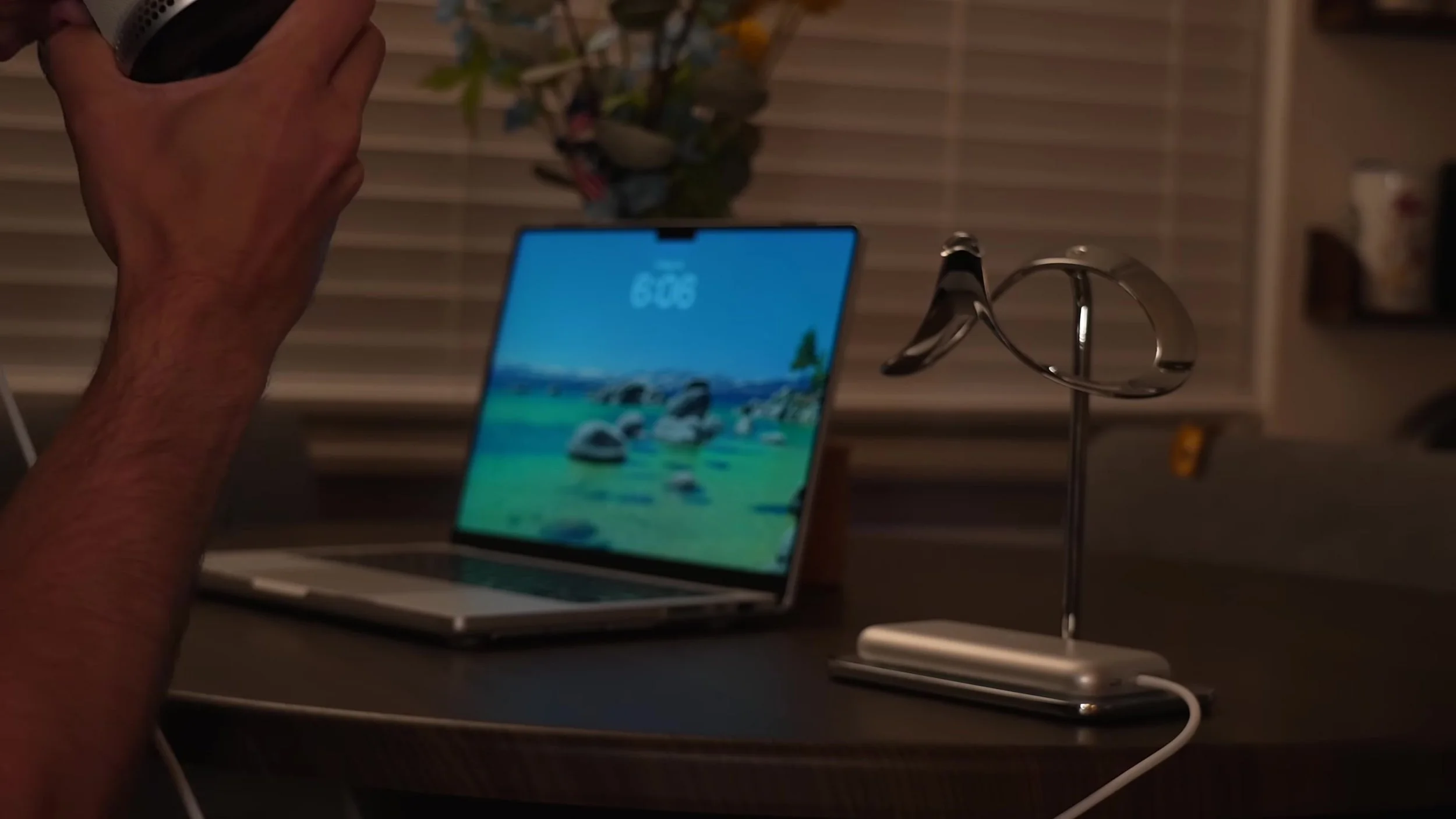
Apple Vision Pro M5 as a Desk Setup: Honest Answer After 1 Week
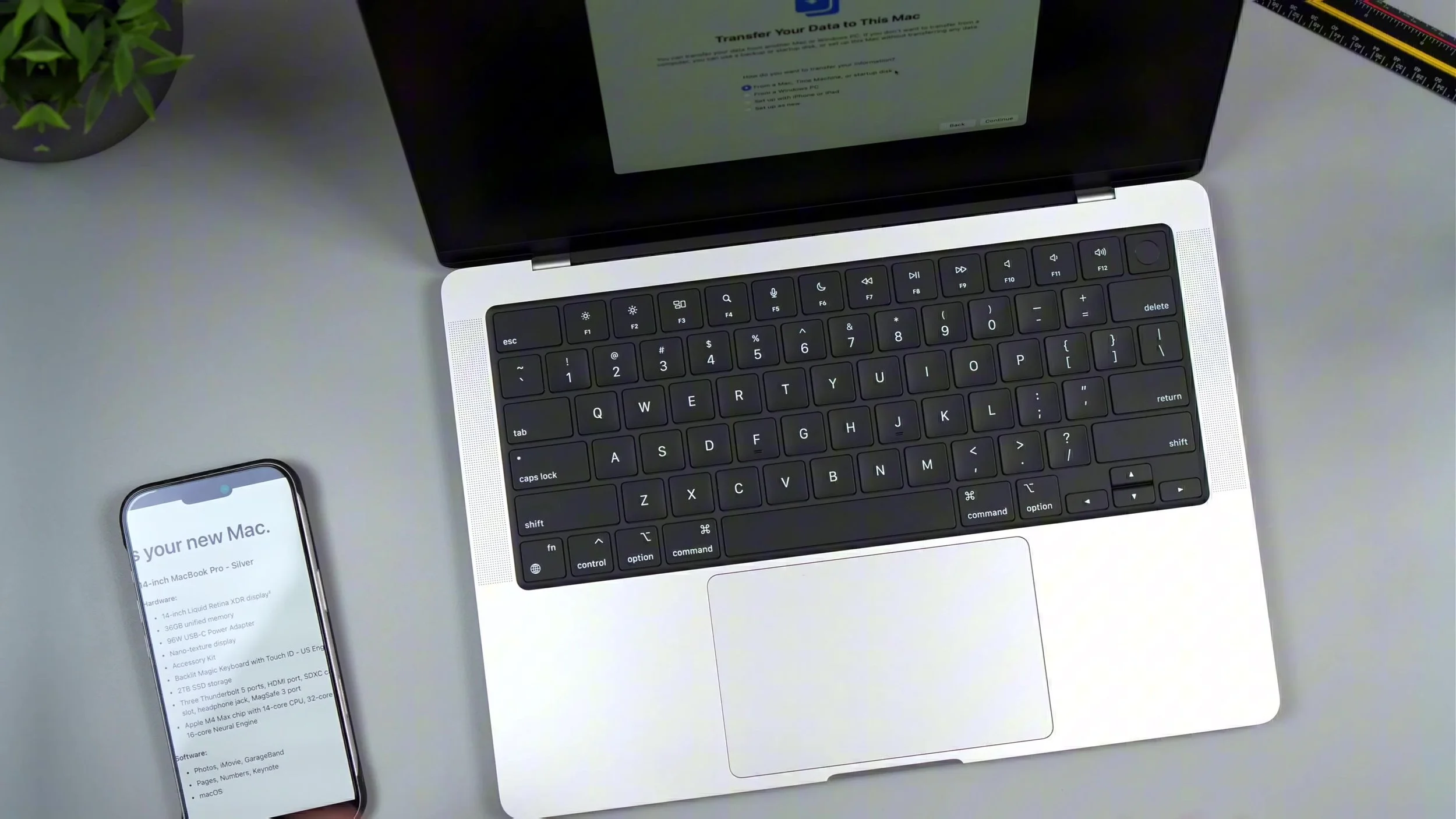
Can Apple Vision Pro M5 replace a traditional desk? After a week bouncing between a messy monitor-and-cable setup and just a MacBook plus Vision Pro, I wanted an honest answer — virtual displays anywhere, M5 vs M2 gains, color/sharpness limits, fatigue, and whether “desk anywhere” beats a Studio Display routine.
The freedom is real: huge Mac Virtual Display on the couch, floating windows, fewer cables tethering you to one corner. M5’s snappier UI and 120Hz help, but I wouldn’t call it a Studio Display killer for color accuracy or crunchy sharpness, and VR fatigue/heat still shows up on long sessions. Gaming in the headset also felt heavy — great for focus work and movies, not a full traditional desk replacement for everyone.
Watch the full Vision Pro M5 as a desk setup video for the week-long honest take, ergonomics aside, and when I’d still keep a physical monitor. Final thoughts: treat Vision Pro as a portable mega-display and focus bubble, not a one-box desk replacement — amazing when it clicks, still optional when color-critical work or all-day comfort matter more.