I Finally Upgraded My M1 MacBook Pro! Here’s My New Desk Setup!
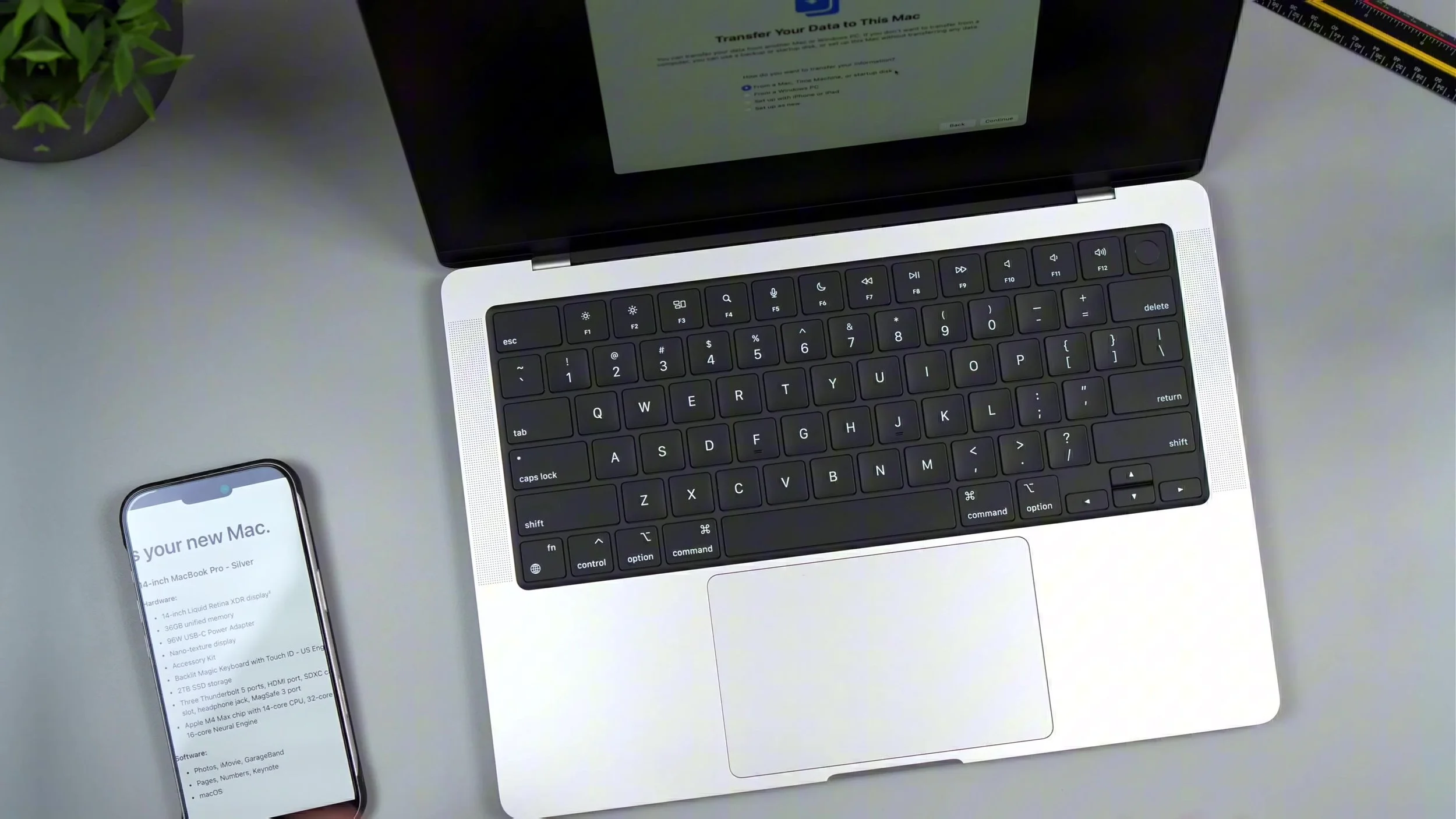
Nearly five years on an M1 MacBook Pro was a personal record — then RAM ceilings finally pushed me to jump to an M4 Max 14-inch. I broke down why I didn’t wait for M5, the silver unboxing, my full Vernal desk refresh, and the config I actually bought: 36GB unified memory, nano-texture display, 2TB SSD, and how I chose Max GPU headroom over repeating the 16GB mistake.
The old M1 wasn’t “slow” so much as memory-starved for my workflow; 14-inch still feels like the sweet spot versus 16-inch bulk, and nano-texture is the glare killer outdoors and under bright lights. Spec-wise I’d rather overshoot RAM/storage once than live in Activity Monitor anxiety again — desk gear helps, but the laptop config is what you’ll feel every day.
Watch the full M1-to-M4 Max upgrade and new desk setup for the unboxing, Vernal build, and exact configuration rationale. Final thoughts: stop waiting forever for the next chip if you’re already constrained — buy the memory and storage you’ll still want in three years, then make the desk support the work, not the other way around.